The new analysis paralysis
We used to freeze from too many options. Now we pick all of them at once, and it's making everything slower.
There's a new version of analysis paralysis going around and I don't think people are talking about it enough.
Traditionally, analysis paralysis was about abundance - so many options that you couldn't choose any. Now, because of AI and all these new tools, instead of not choosing anything, people are choosing all of them. All at once, at the same time.
Instead of making the process more streamlined, we're bloating things. Convoluting everything. Making things a lot more complicated. Things that should take two days are now taking a week. Why? Because you're putting in extra steps that don't need to be there. Oh, what if I just use this bit of context, this bit of research, this analysis, this tool, and then sprinkle a bit more research from over here.
The result is noise. And noise kills output.
Think of it like a loadout
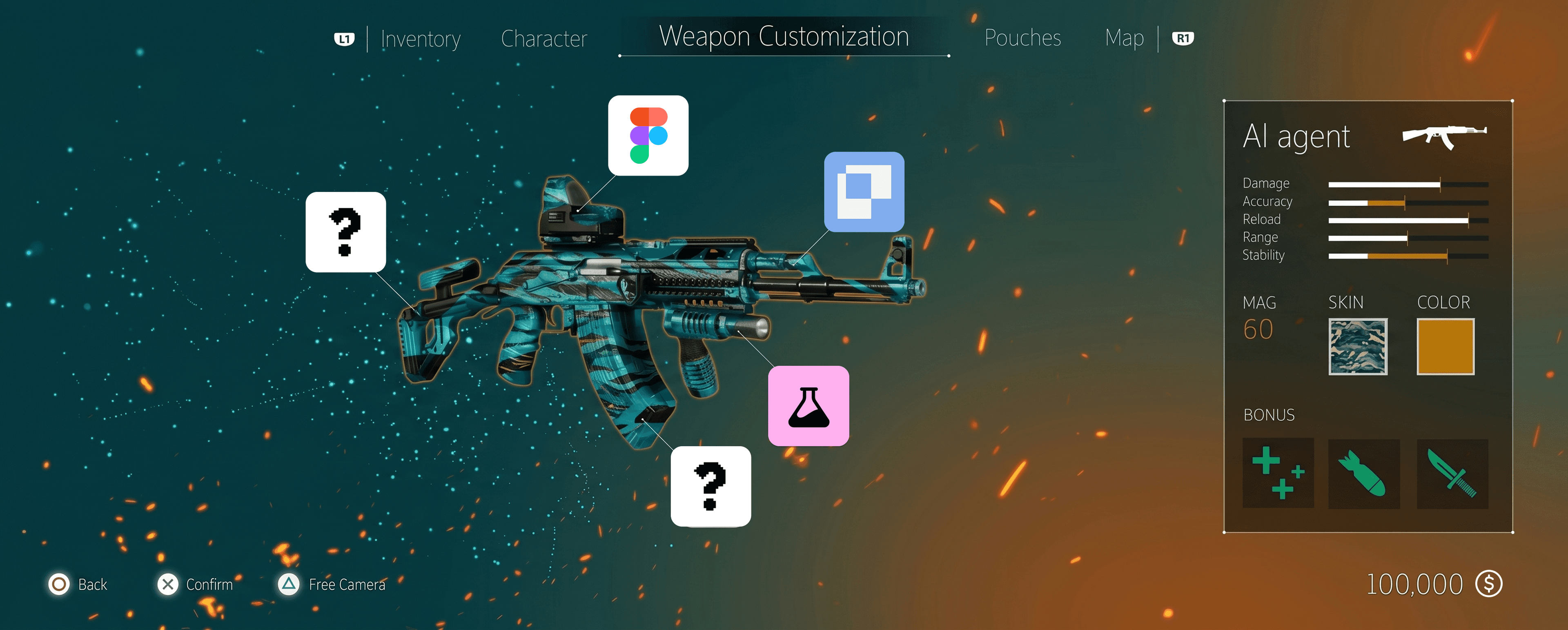
I think about MCPs as attachments. Your main AI tool - Cursor, Claude Code, Codex - is your weapon. That's your driver. That does the bulk of the work.
Think about a shooting game like Call of Duty. Truly skilled players can do most of the damage with the weapon alone. They don't necessarily need the attachments. But with the right attachments, they can refine, become more focused, more optimised. The attachments don't carry them, they extend them.
And here's the thing those games get right that most people miss: there's a cap. You can't add every attachment. Some limit you to five, others three. The constraint is the point. It forces you to be thoughtful about what actually earns a slot.
The same logic applies to your AI workflow. Limit it. Don't add them all. You might find yourself doing more harm than good.
Don't use attachments to try and mask your deficiencies. The constraint is what forces the skill.
So what does a good loadout actually look like?
I'm coming at this from the perspective of a designer, that's my lane, and I'd rather speak to what I know than guess at what I don't.
Step one: choose a daily driver. One main AI tool. For me, the three worth choosing between are Cursor, Claude Code, and Codex. Try them for free as much as you can and find out which one clicks. They're all genuinely good so it comes down to feel. Personally I'd lean Cursor, because even when your premium models run out, you can keep using cheaper models for free. And I love the UI.
Once you have your weapon, here's the loadout I'd recommend for designers:
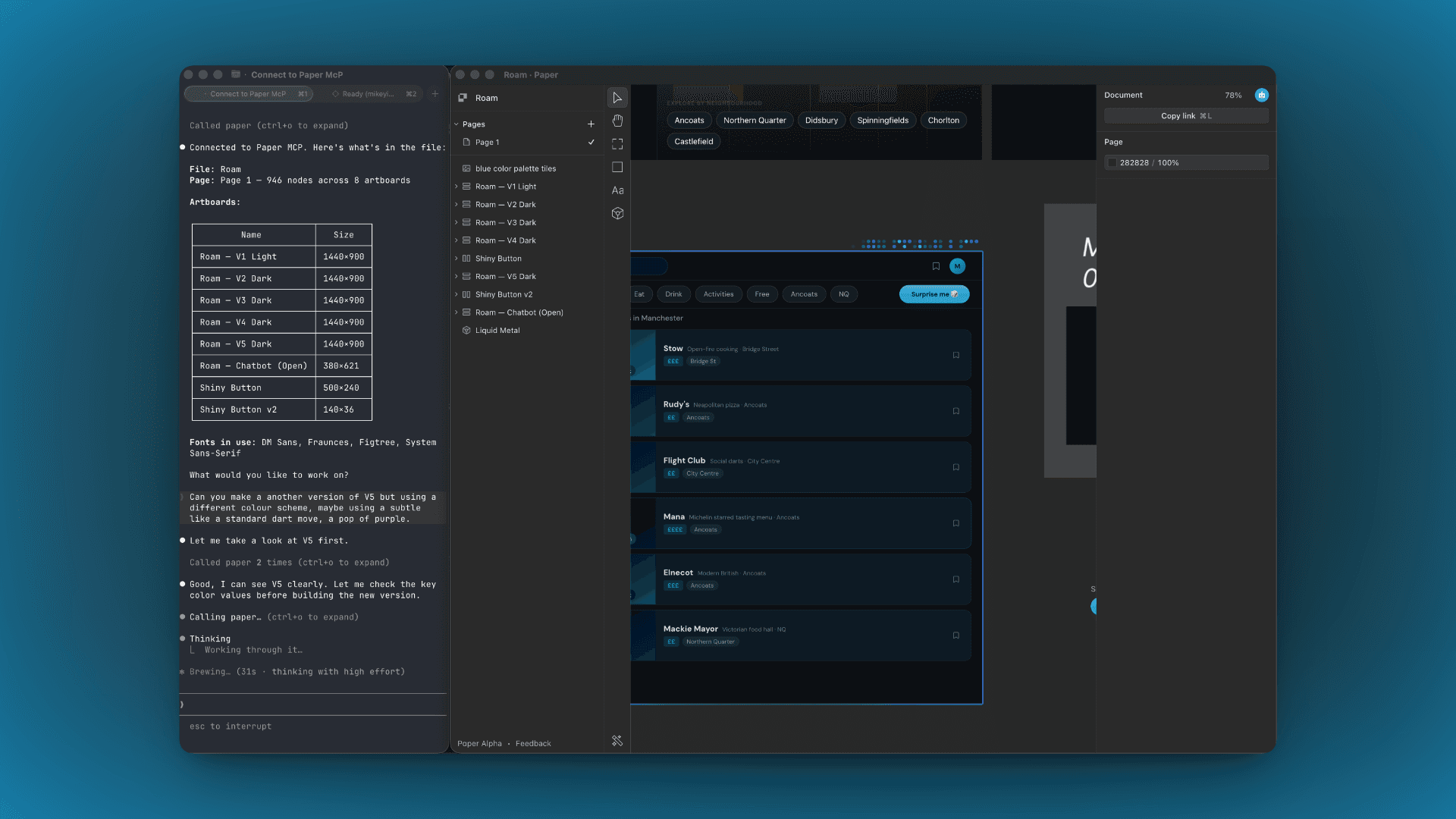
Paper - design on canvas with AI
An infinite canvas tool with shaders, image generation, and MCP integration. You can use your AI agent to design components and screens directly on the Paper canvas, without manually drawing rectangles. It's a different surface to Figma, and it's better for this kind of work because it was built for it from the start.
Granola - meeting notes that actually do something
You have a meeting with a client, it generates the transcript and summarises it. Then your agent can extract those notes and implement changes directly - no copying, no pasting, no rewatching. The loop from conversation to implementation is as tight as it gets.
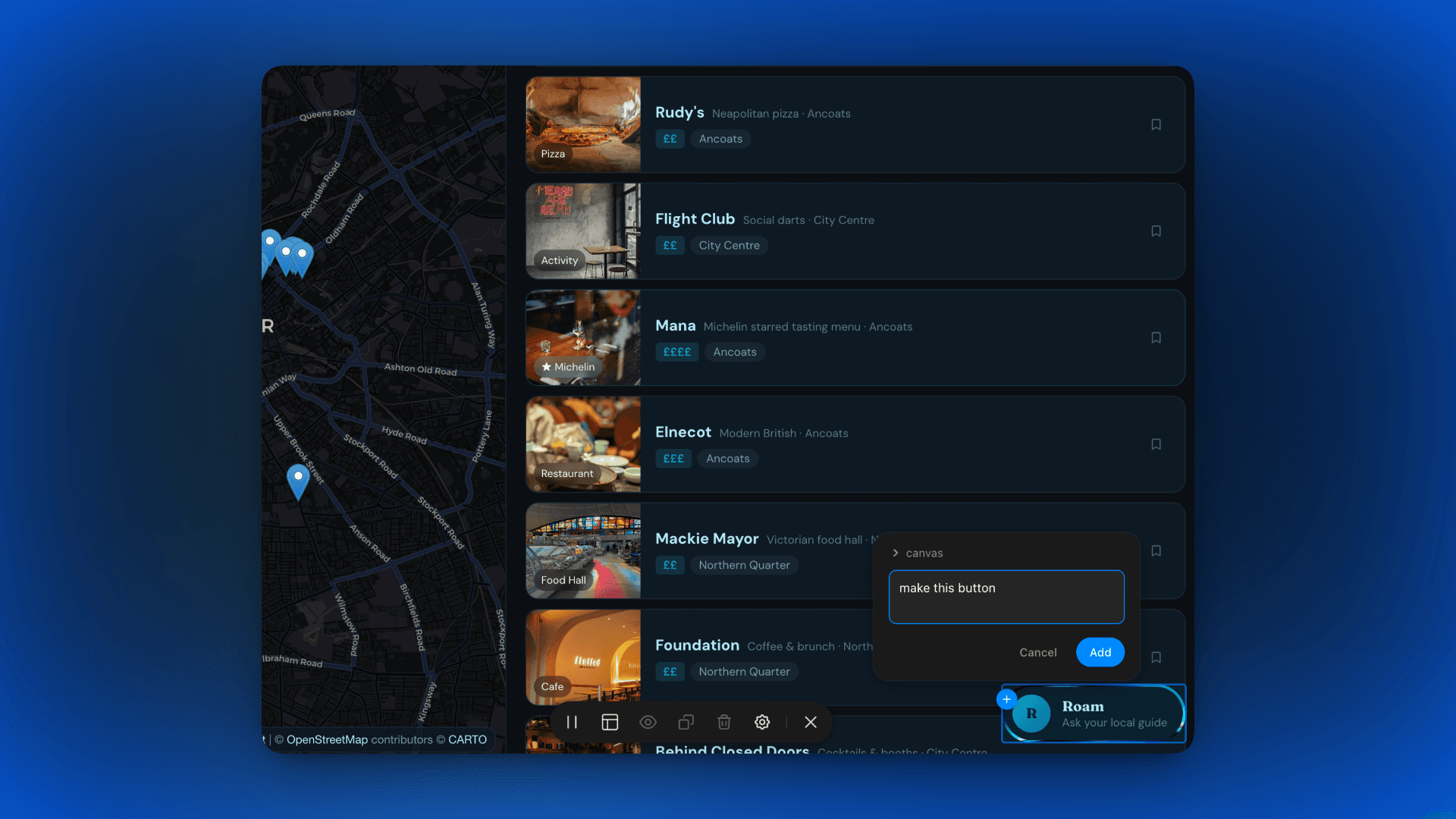
Agentation - precise UI targeting
By Benji Taylor. Click on an element in your dev server / localhost browser, type what you want to change, copy that to your agent. That's it. Instead of screenshotting and hoping the agent figures out where you mean, you're pointing at exactly the right thing. Saves a lot of back and forth on small tweaks.
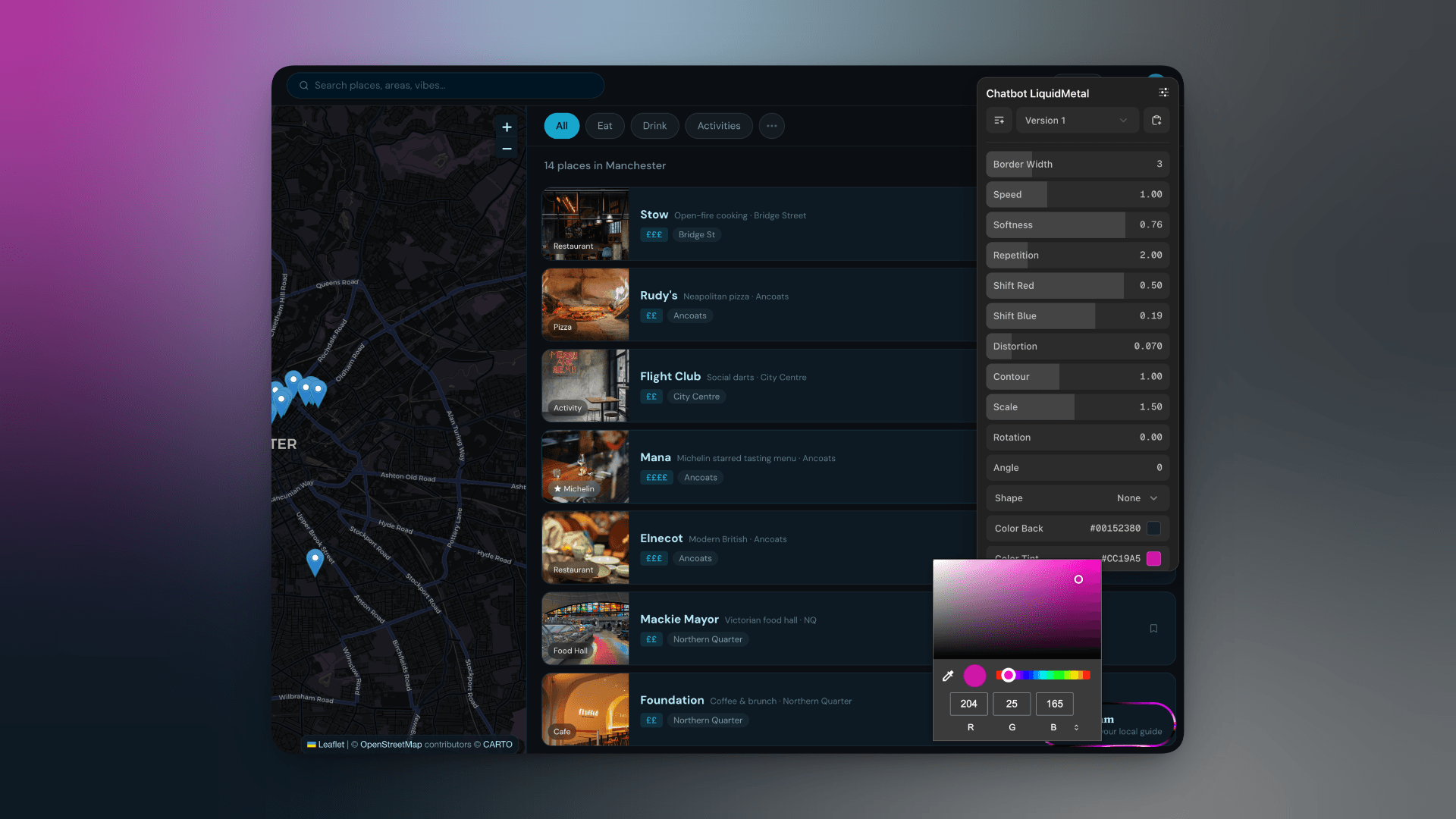
Dialkit - fine-tune properties and animations
By Josh Puckett. More of a utility than a workflow tool, but it earns its slot. When an animation's easing curve is off or a shader is not quite as you'd like it and you want to manually tweak it without going back and forth with prompts, Dialkit lets you do that directly. Precise, surgical, fast.
Four attachments. That's the loadout. The rest should come down to your level of skill and agency.
If you find yourself reaching for a fifth tool to cover a gap, ask yourself honestly: is the gap in the tooling, or is it in you? Because more often than not, adding another attachment is just a way of avoiding that question.
Thanks for reading.